01
Prompt to image, prompt to video
Describe what you want and generate images; animate prompts or existing images into video clips — routed to strong models behind one interface.
01 / ArtCraft AI image & video · Web
 01 ArtCraft
A free AI image generator and AI video generator in one tab: turn text into images, images into video, and compose 3D scenes from your art — then share it with a community of makers. Open the ArtCraft web app — free to start, no install, works on browser and desktop.
Runs in your browser — free to start
02 / Highlights
01
Describe what you want and generate images; animate prompts or existing images into video clips — routed to strong models behind one interface.
02
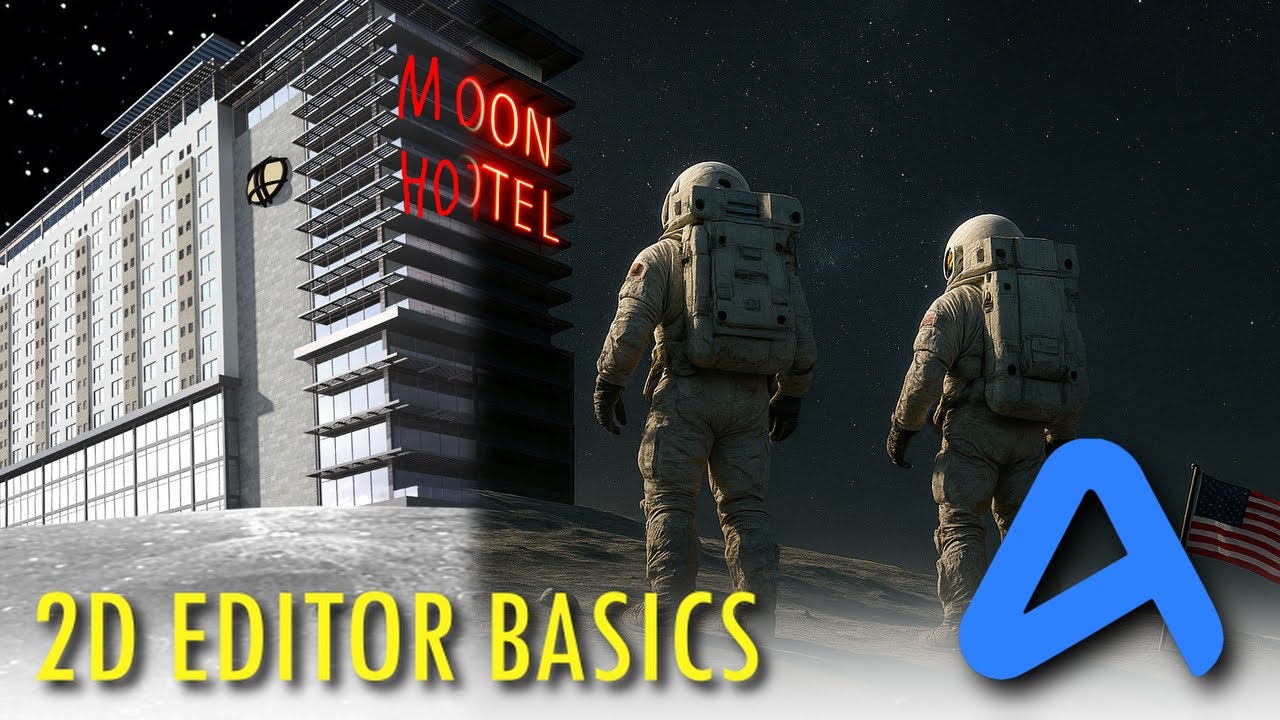
Generated art opens in a layered 2D editor — inpaint, expand, restyle and compose before you export.
03
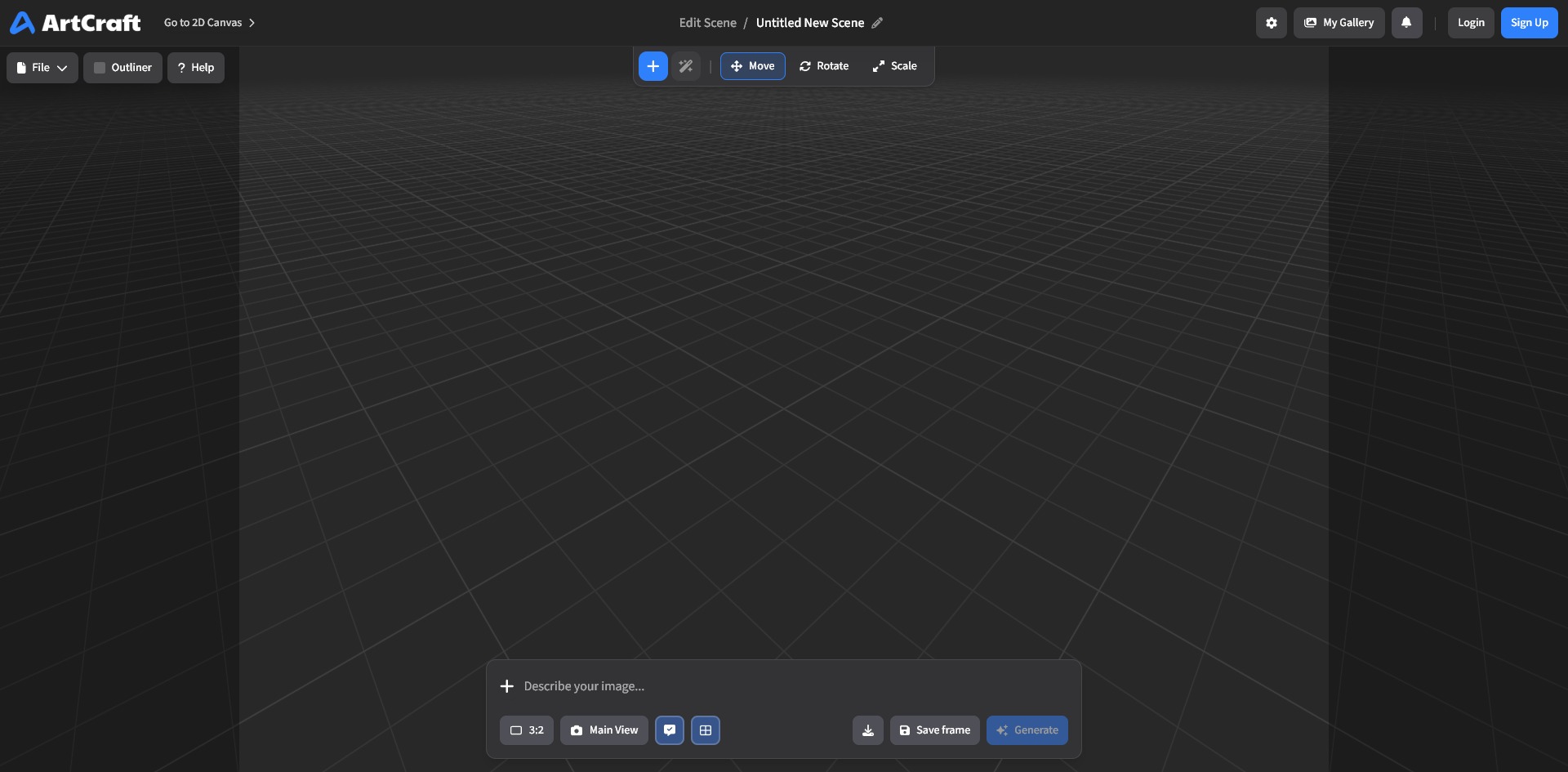
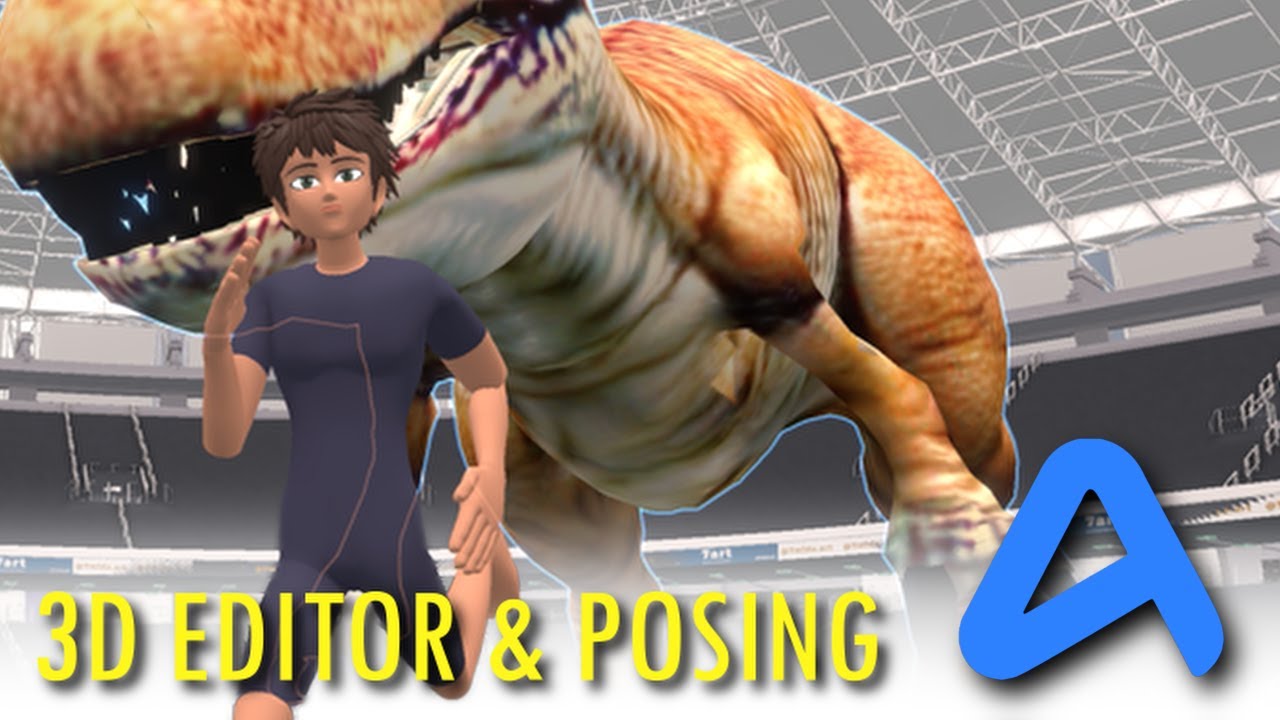
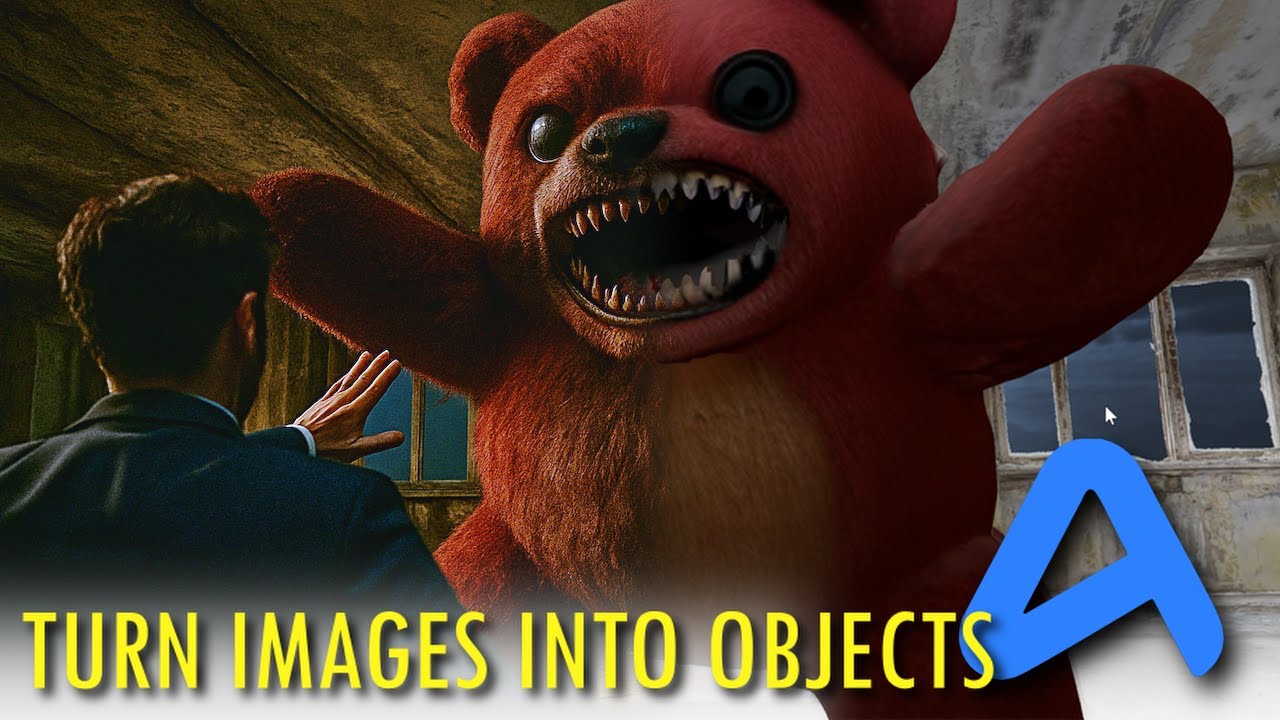
Turn images into 3D objects, arrange and light a scene, photograph it — then feed the render back into generation for another pass.
04
Browse the gallery, see how each piece was made, remix prompts and settings, and share your own work.
05
The same app runs in a tab and as a native desktop build for macOS, Windows and Linux — your account and gallery travel with you.
06
An HTTP API with the same power as the app: generate, manage media and credits from your own scripts and tools.
03 / Made for
01
Draft a look in seconds, refine the prompt, regenerate variations, and take the winner into the editor for finishing.
02
Compose scenes from generated assets, light them like a photographer, and capture frames or turntables.
03
Publish to the community gallery, learn from other artists’ prompts, and remix their setups into your own style.
03 / How it works
Type what you want to see — a style, a subject, a mood. The prompt box is the whole interface; no model picking required to start.
Get variations in seconds, refine the wording, and regenerate until one feels right — images, video from prompts, or video from an image you already have.
Open the winner in the 2D editor to inpaint and compose, or turn images into 3D objects, light a scene and photograph it for another generation pass.
Publish to the community gallery, keep it private, or download it — and remix the prompts behind any shared piece you like.
04 / Make
01
Thumbnails, posts and short video clips generated in your brand’s look, then finished in the editor — without a shoot.
02
Explore a dozen directions on an idea in the time one used to take, then take the strongest into 2D for detail work.
03
Stage products in generated scenes, relight them in 3D, and export ready-to-use imagery for stores and ads.
04
Turn generated images into objects, build environments, and capture stills or turntables that feed back into generation.
05
The fastest way from a joke to a posted image: generate, tweak, done — and the community gallery is a remix machine.
06
The same generation power over an HTTP API: batches, variations and pipelines from your own scripts.
05 / Screenshots
07 / Get ArtCraft
The full web app — generation, 2D and 3D editing, the community gallery — boots like a web page. Free to start.
Launch the web appArtCraft also ships as a native app for macOS, Windows and Linux, with the same account and gallery.
DownloadsThe same generation, media and credits powers are available over an HTTP API for your scripts and tools.
Learn more08 / FAQ
Yes. ArtCraft is free to start — open the web app, create an account and generate. Credits top up heavier use, and the community is free to browse and remix.
Yes. The full ArtCraft web app runs in your browser: prompt to image, prompt to video, image to video, plus 2D and 3D editing — no download or install.
Browsing the community gallery and the app needs no download; creating an account is free and unlocks generation and your own library — there is no paid wall in front of the basics.
Yes — image to video is a first-class path: feed a generated or uploaded image and animate it, or start from a pure text prompt.
Yes, your creations are yours to use, including commercially, as the terms describe; community sharing is opt-in on top of that.
ArtCraft routes your prompts to strong image and video models behind one consistent interface, so you describe the result instead of picking a vendor — and the editor, community and library work the same regardless of which model produced a piece.
No. ArtCraft runs as a web app. A native desktop app for macOS, Windows and Linux is also available from getartcraft.com.
Turn generated images into 3D objects, build scenes, light and photograph them — then feed the renders back into image generation.
You own your creations, as described in ArtCraft’s terms; the community gallery lets you share and remix openly when you choose to publish.
09 / The family
ArtCraft is one of a family of open crafting tools.
A community of artists, from painting to code — if you make things, you’re one of us.
Start creating